Seedance 2.5
Prompt collection 24 prompts · Updated
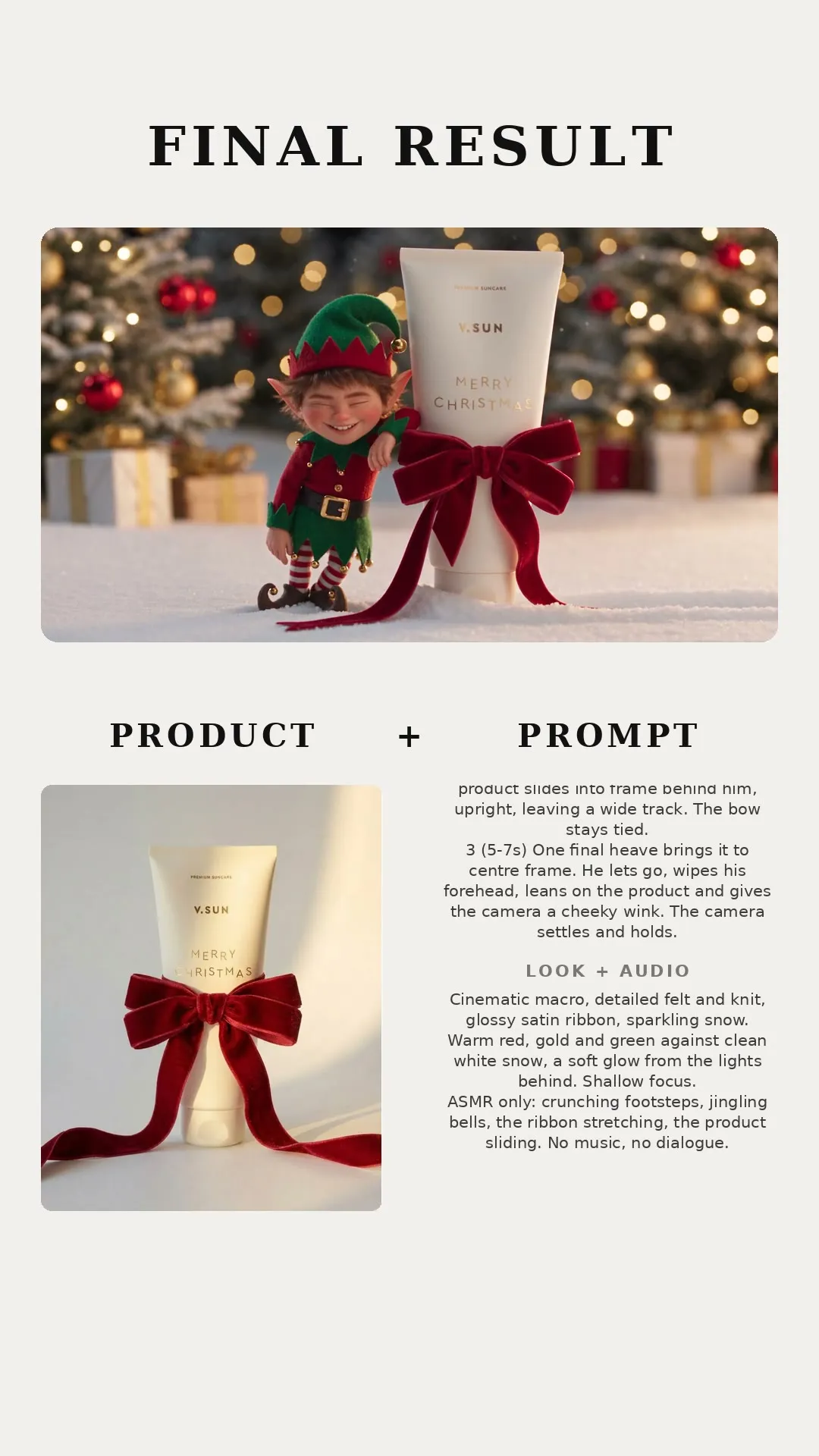
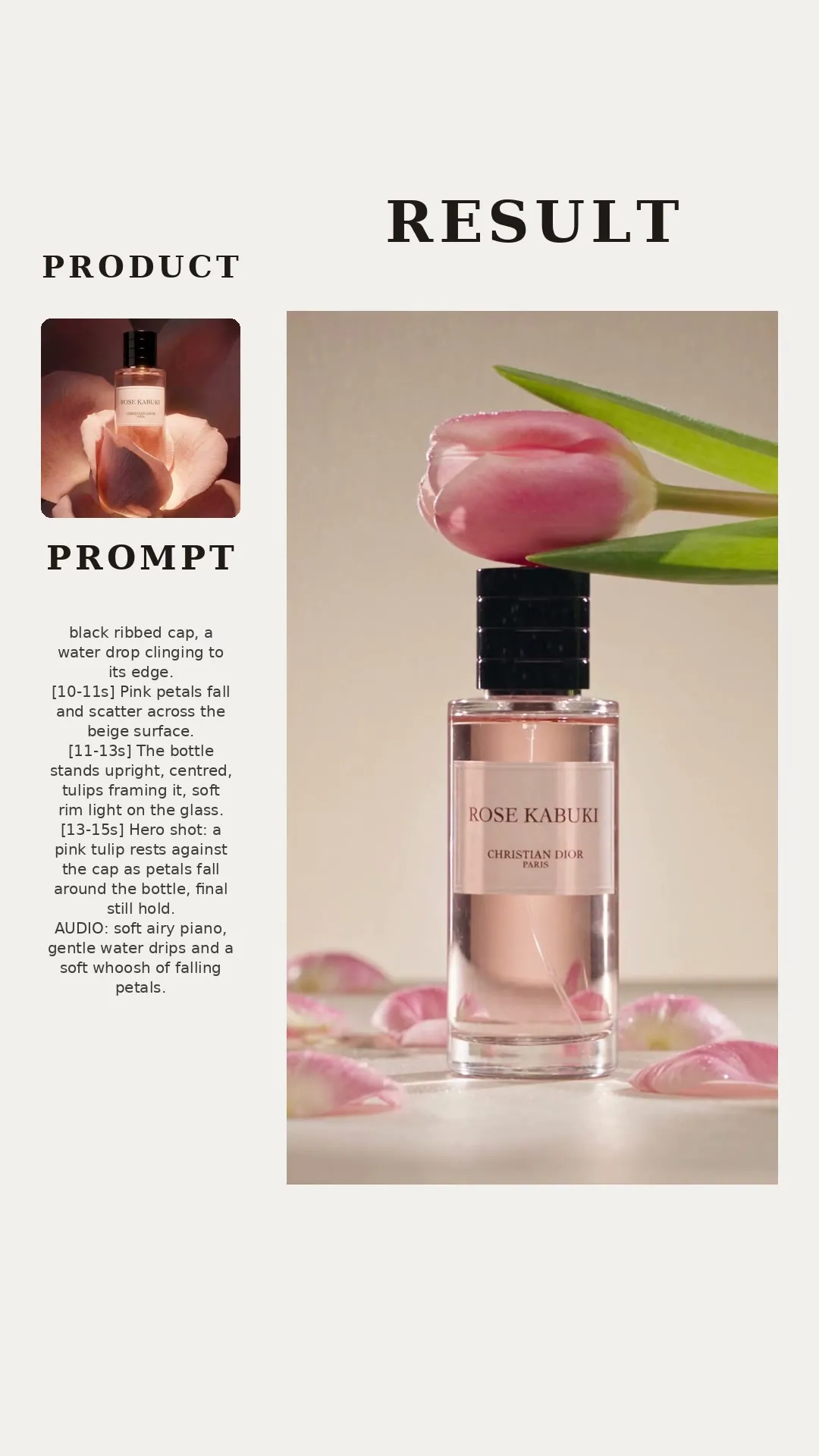
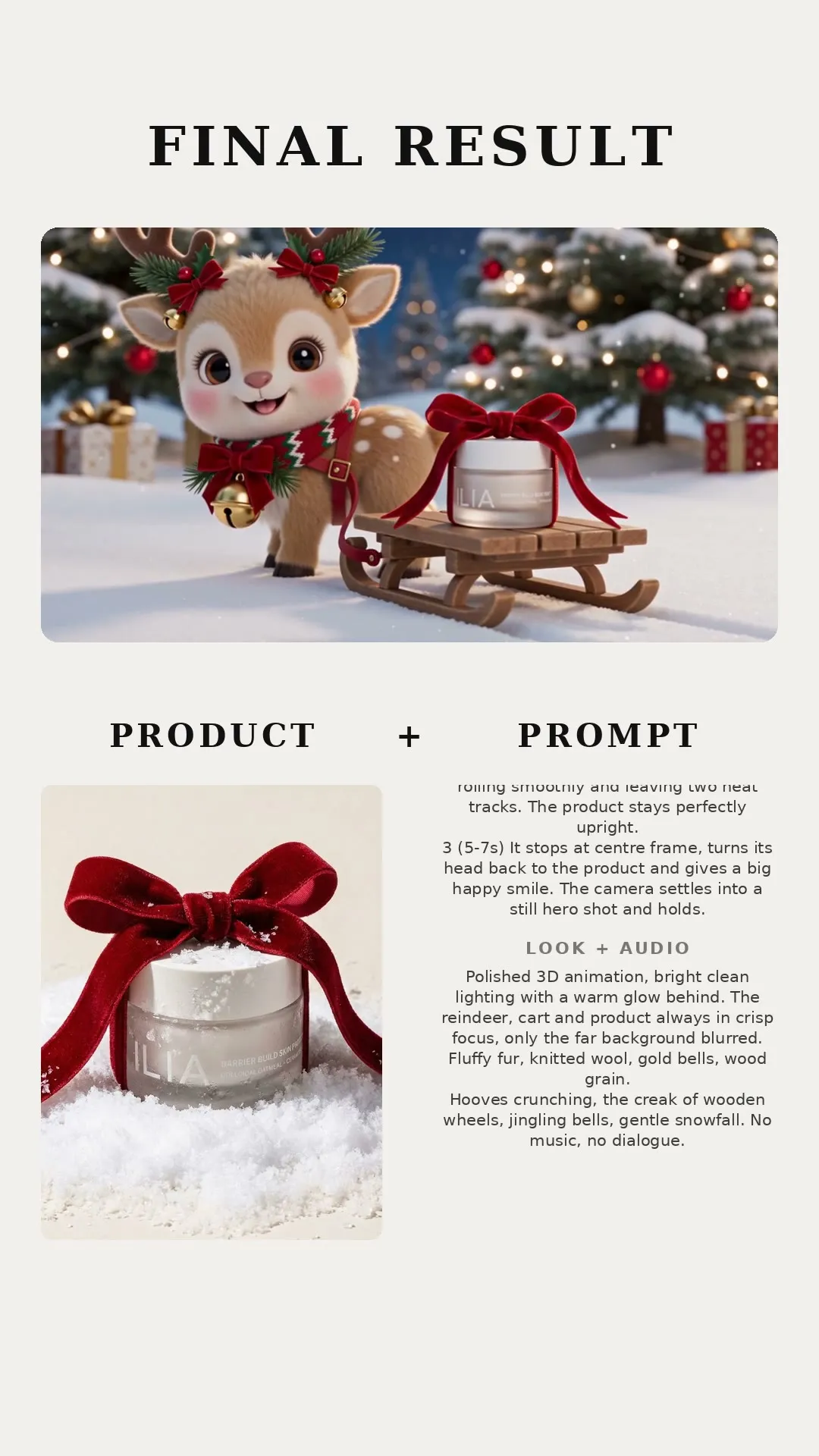
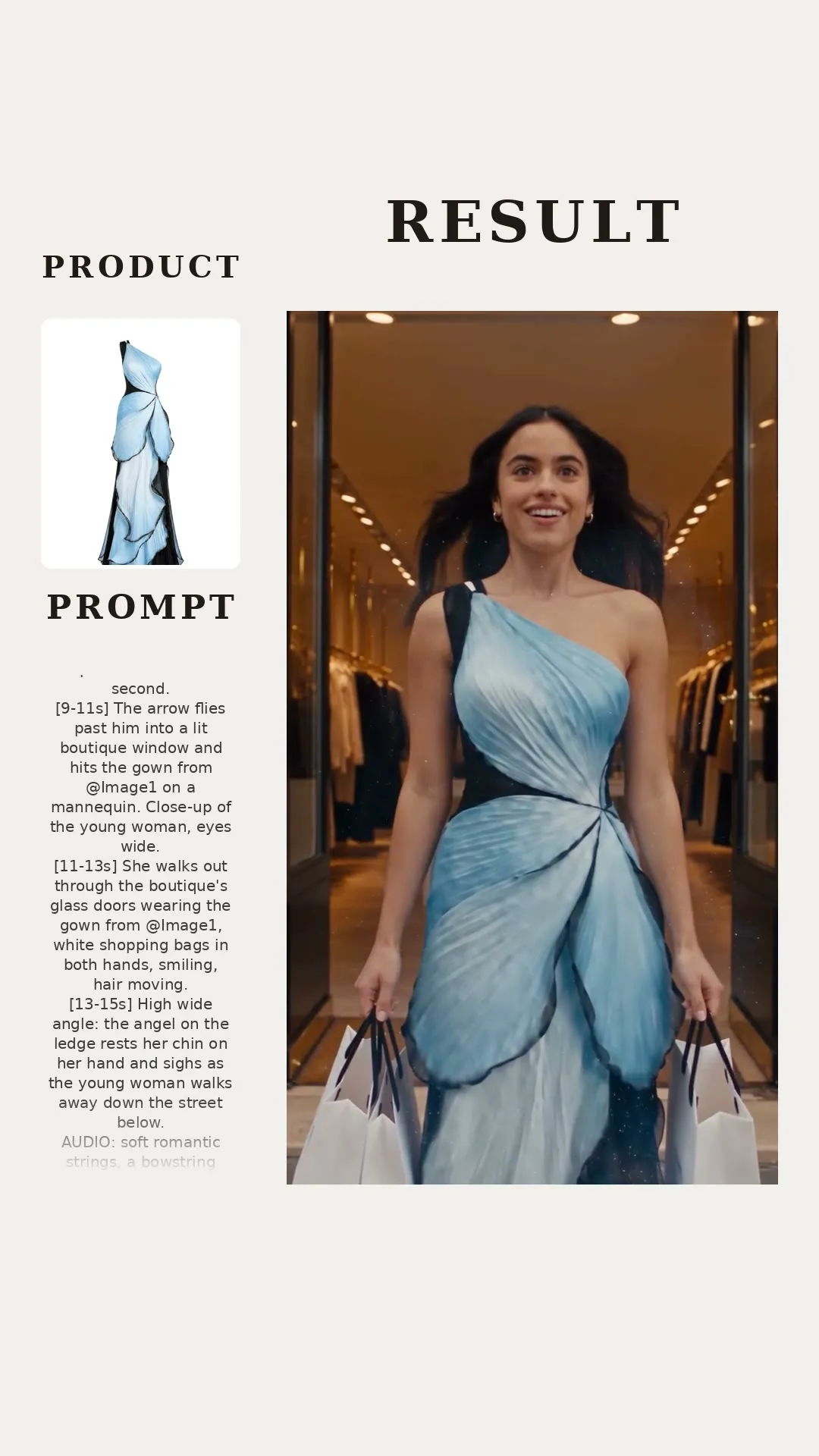
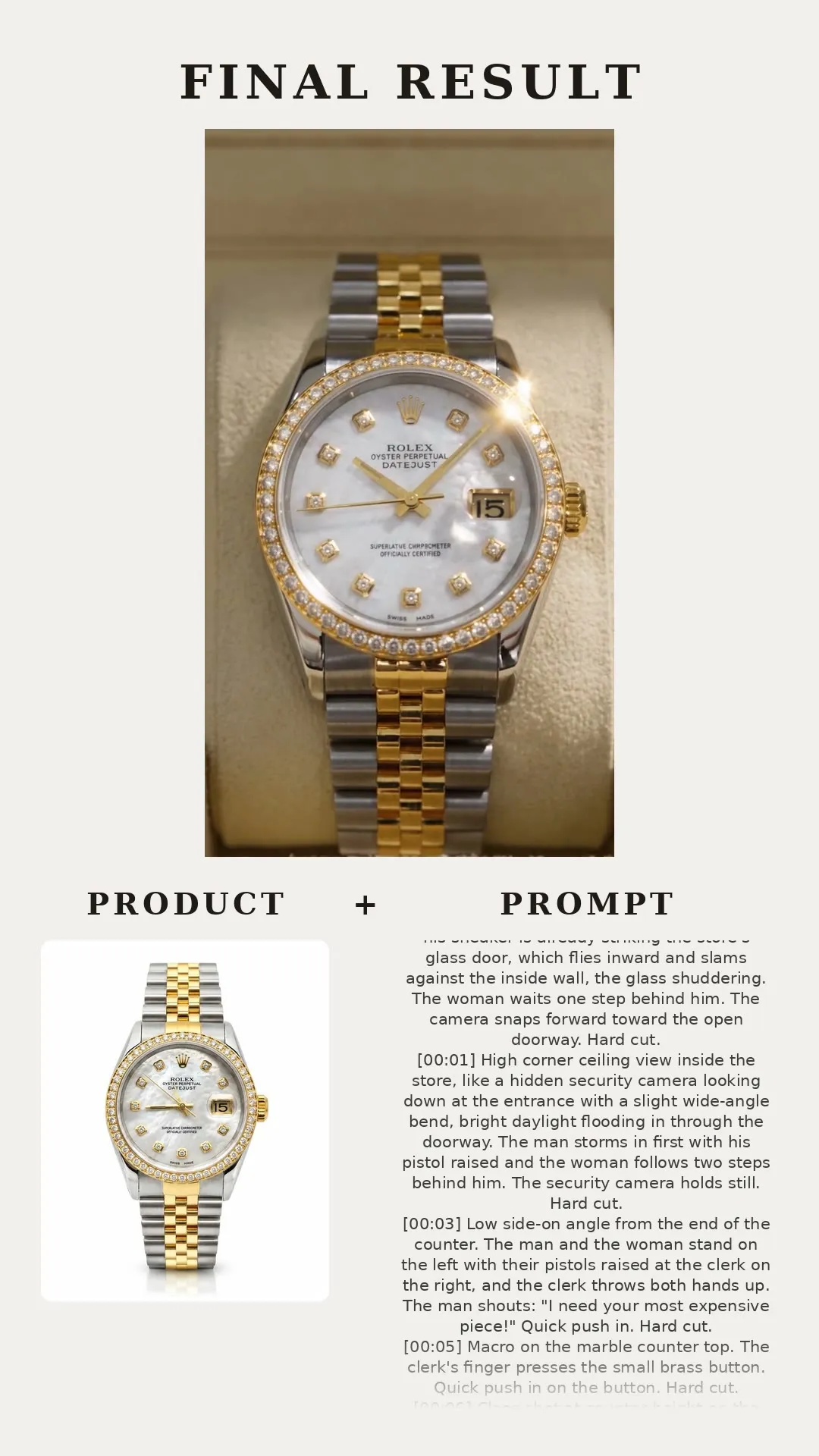
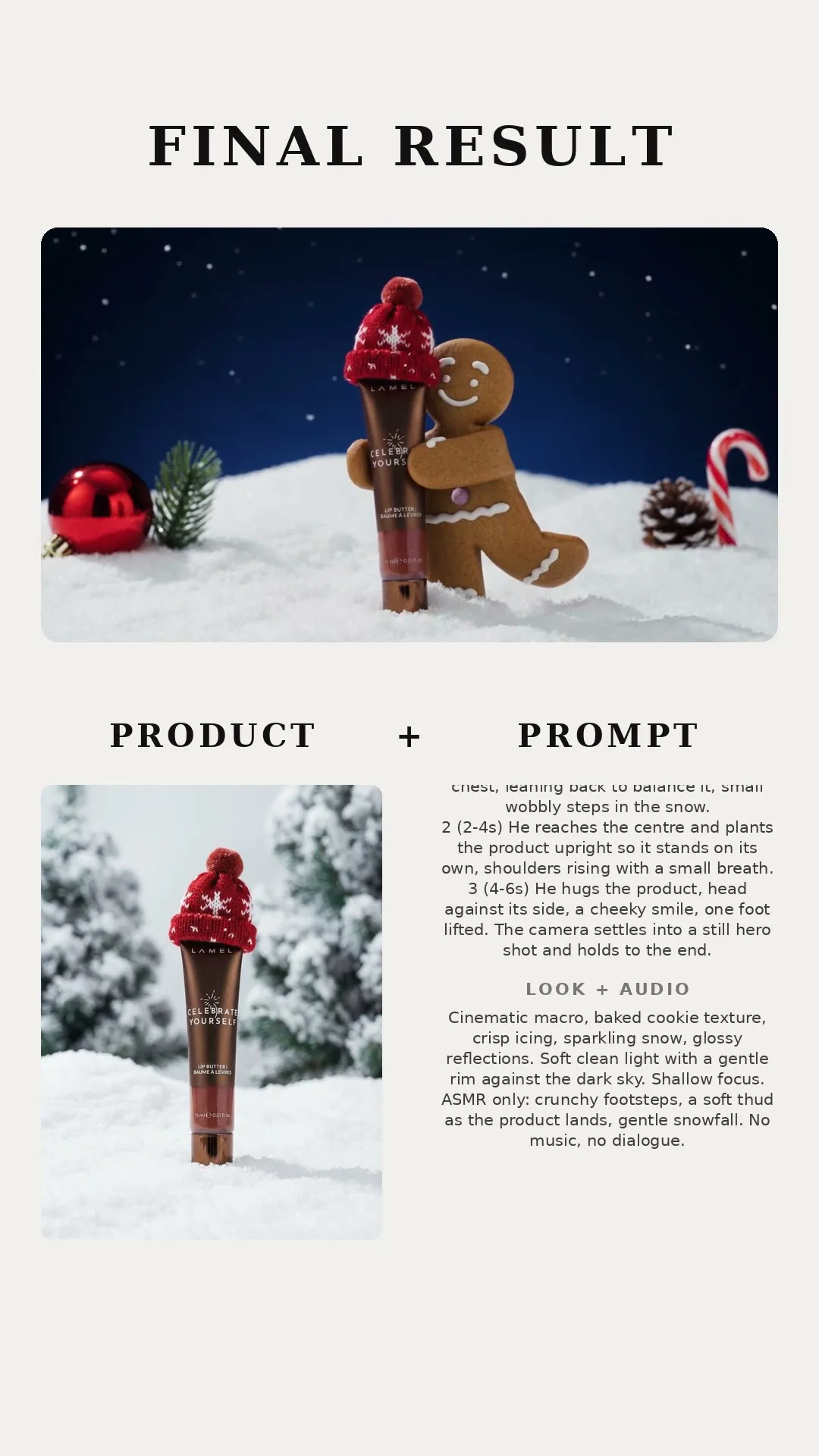
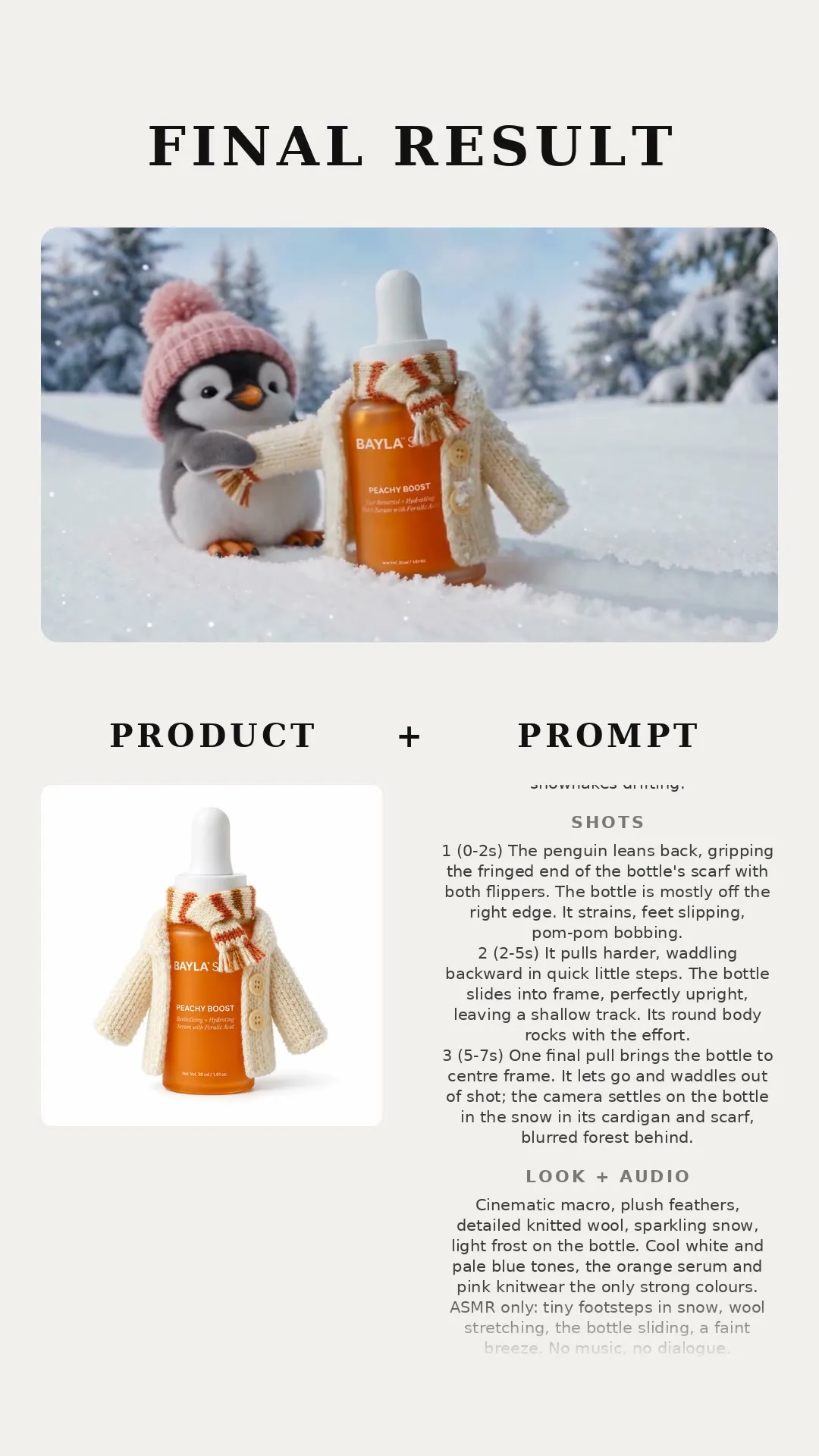
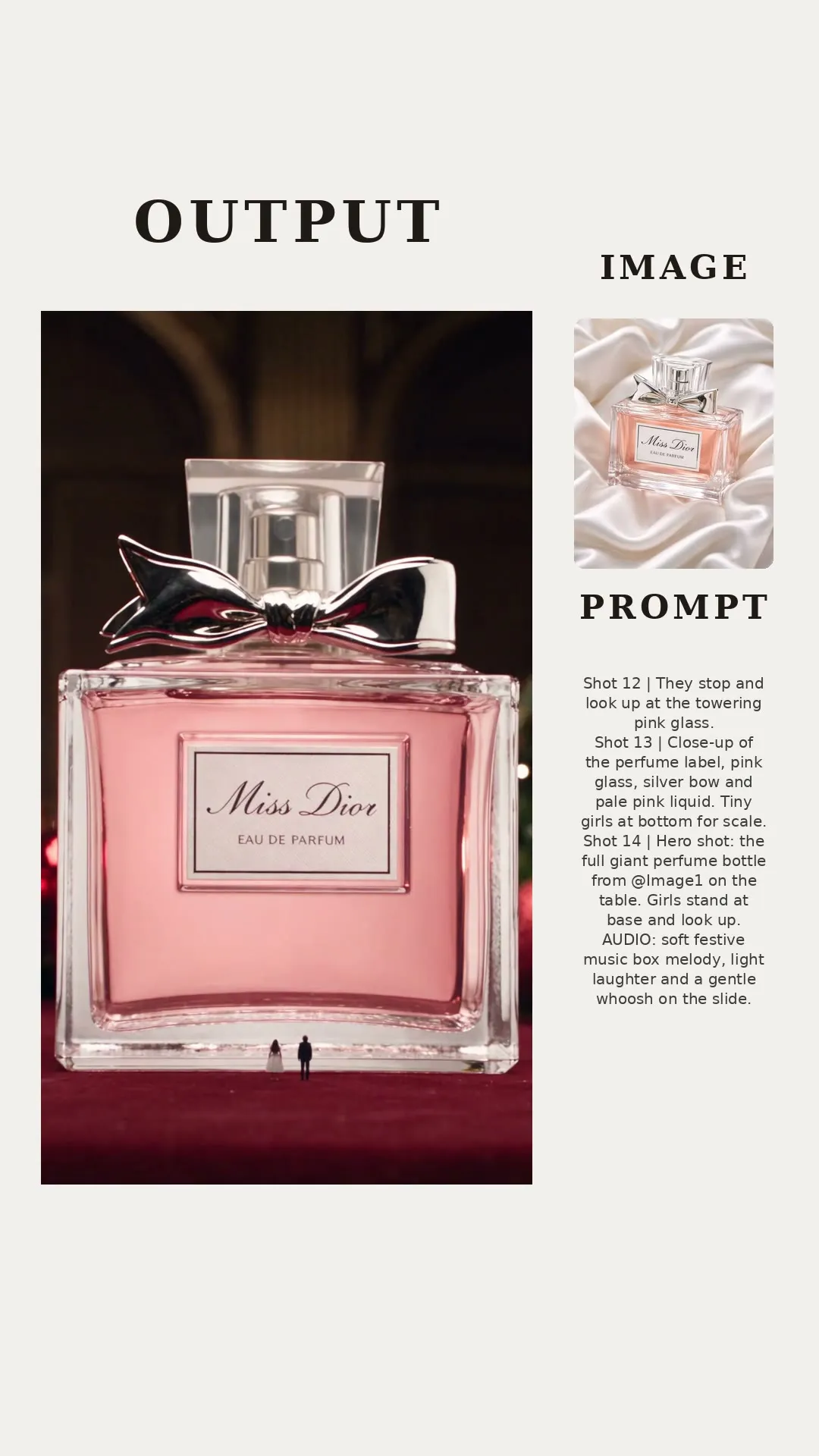
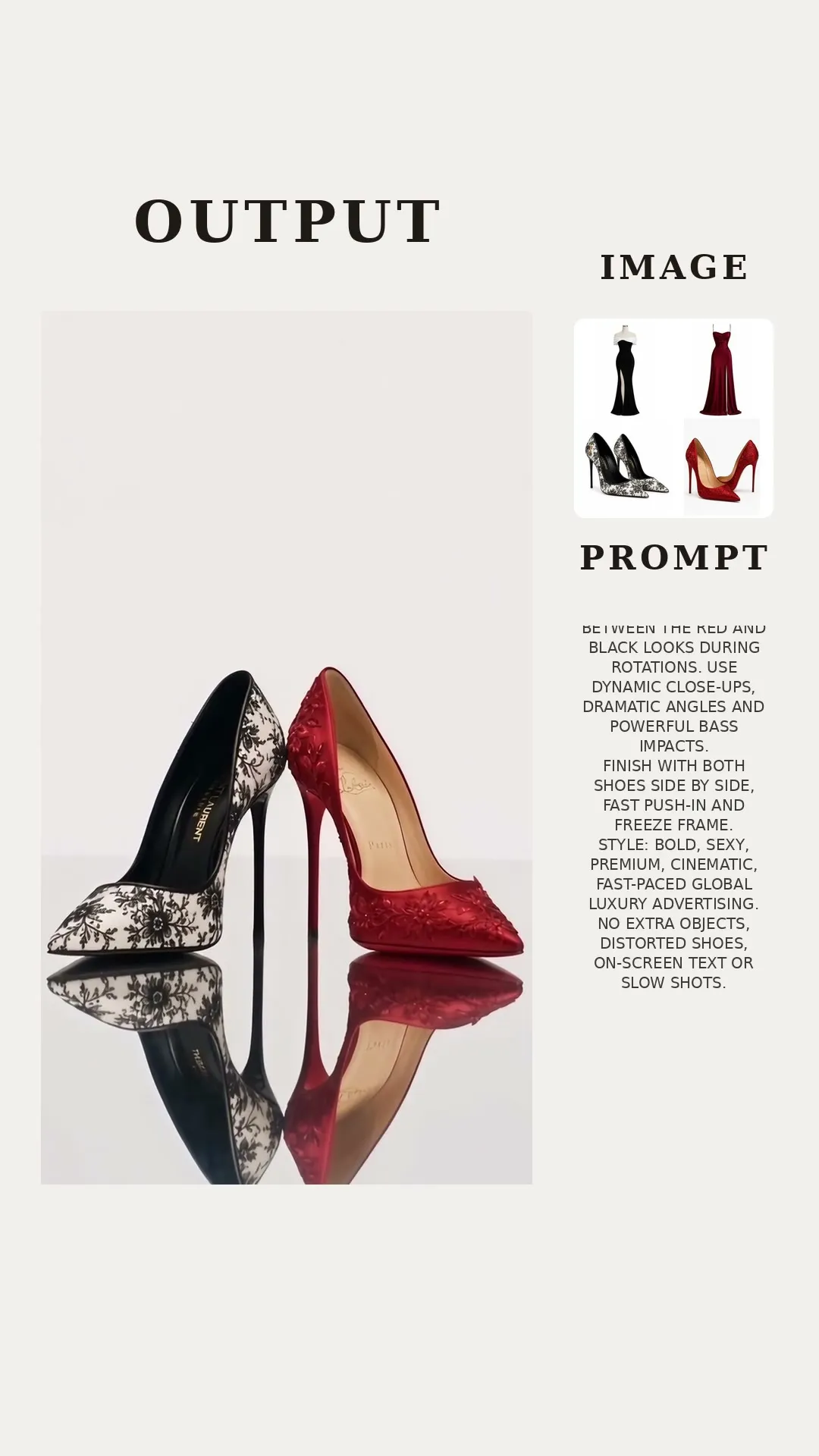
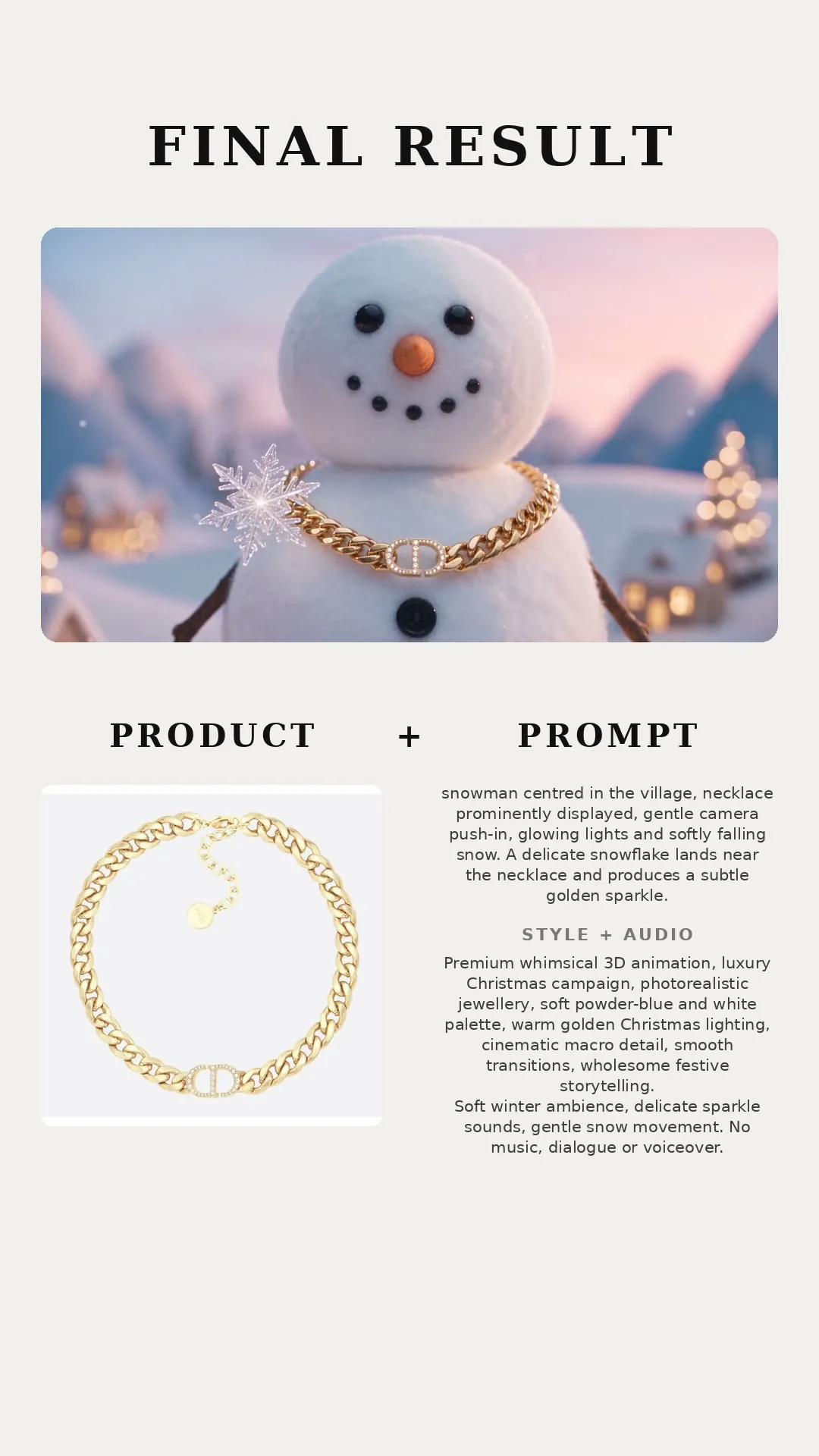
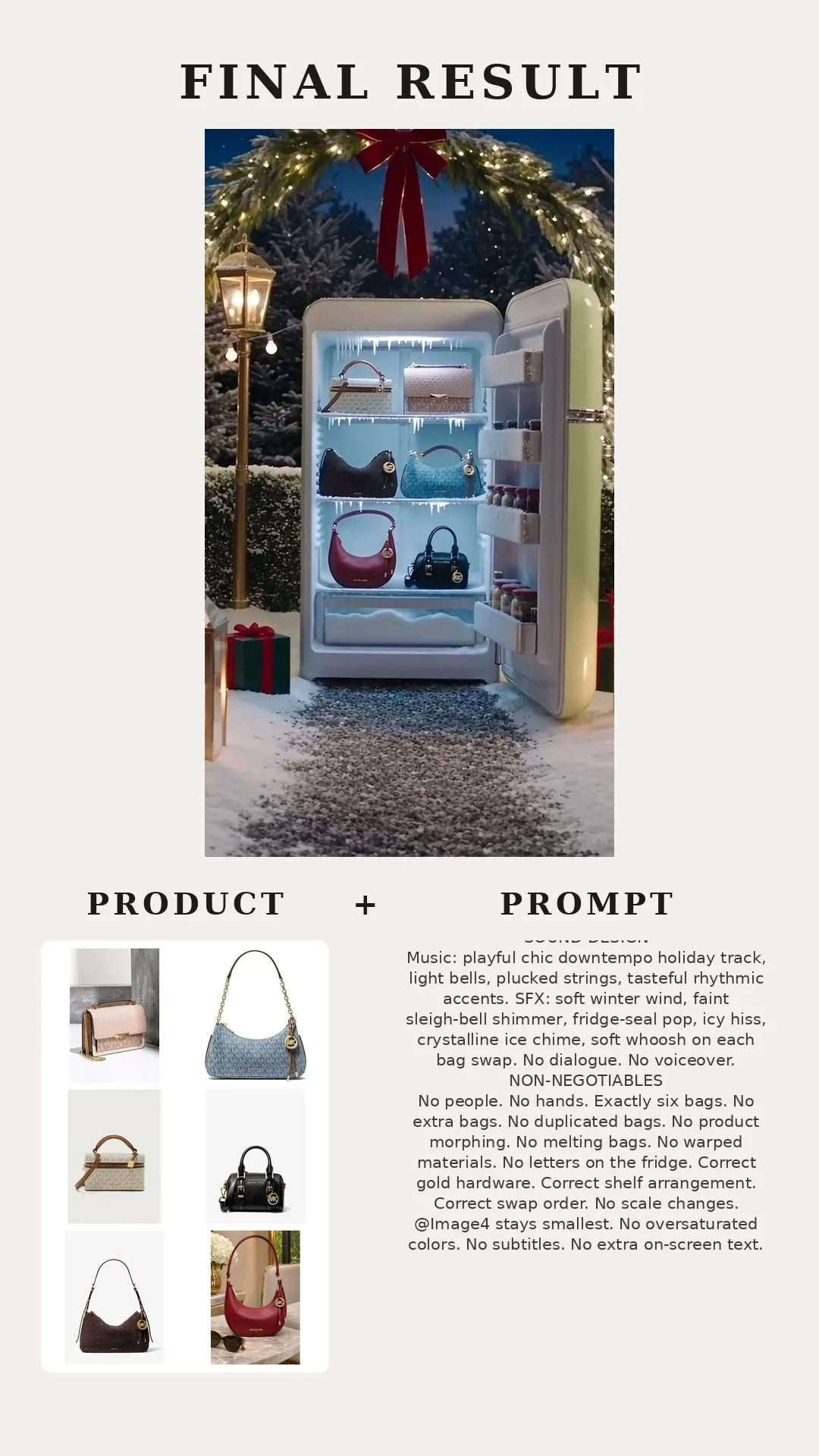
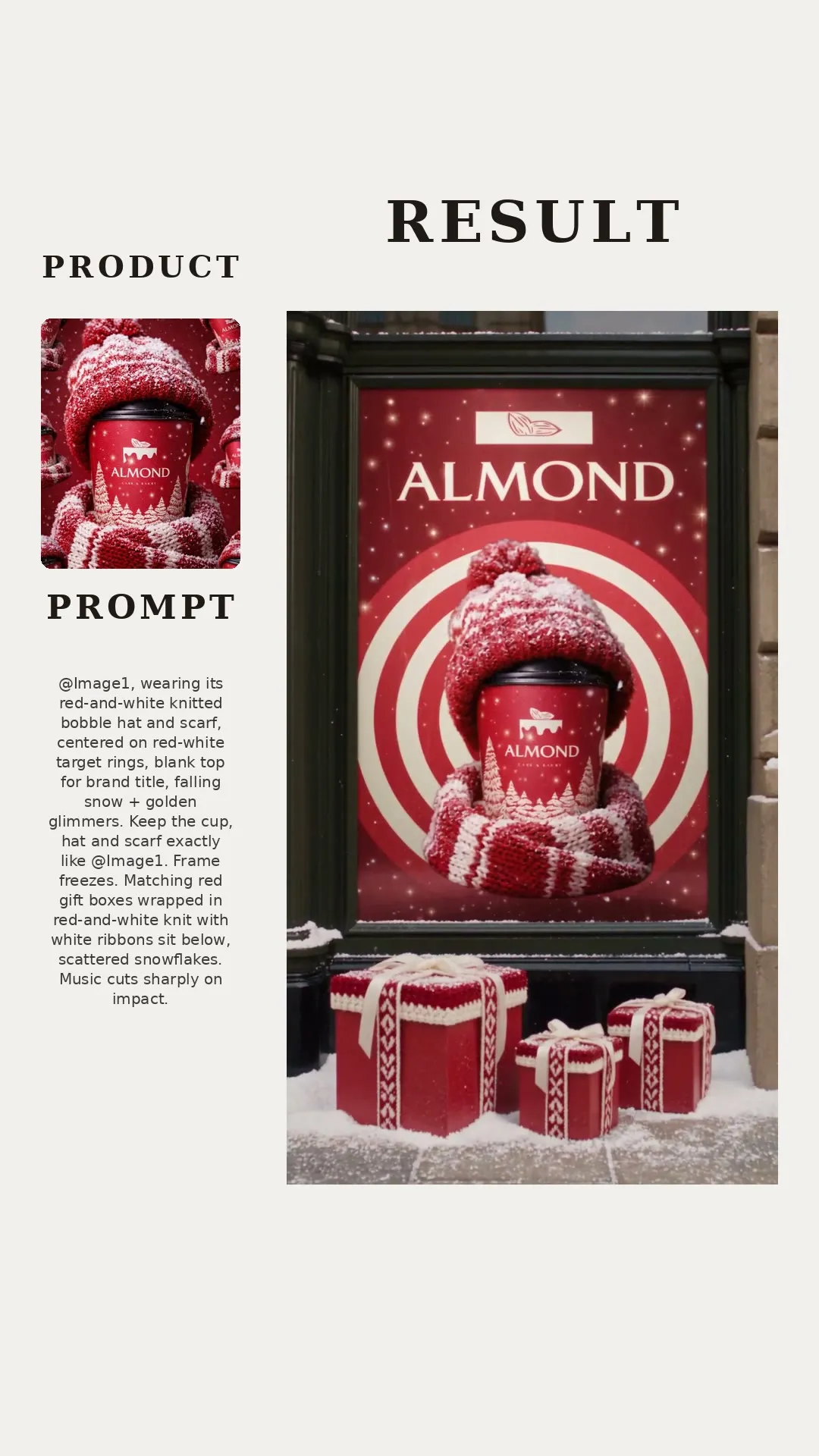
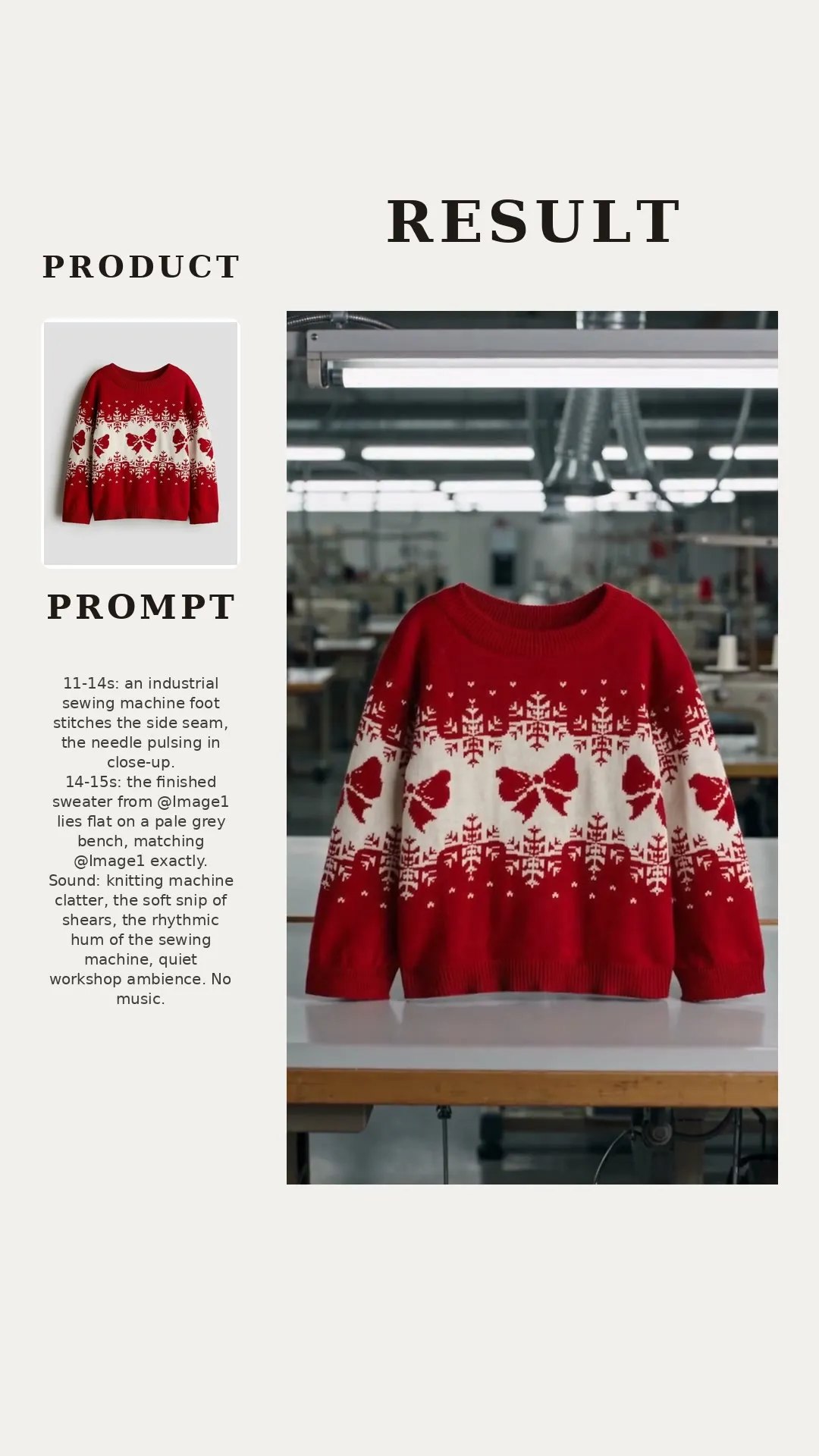
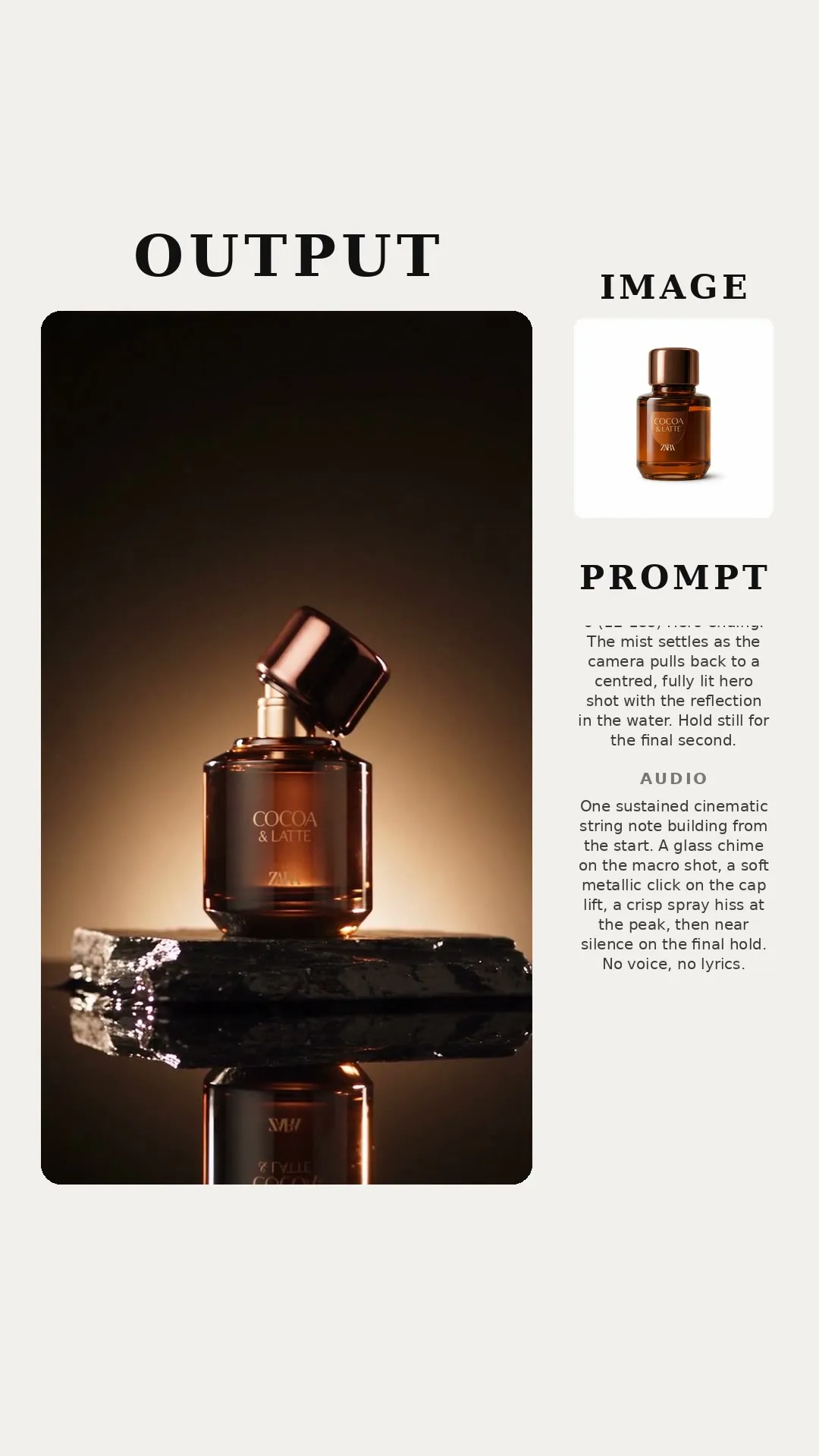
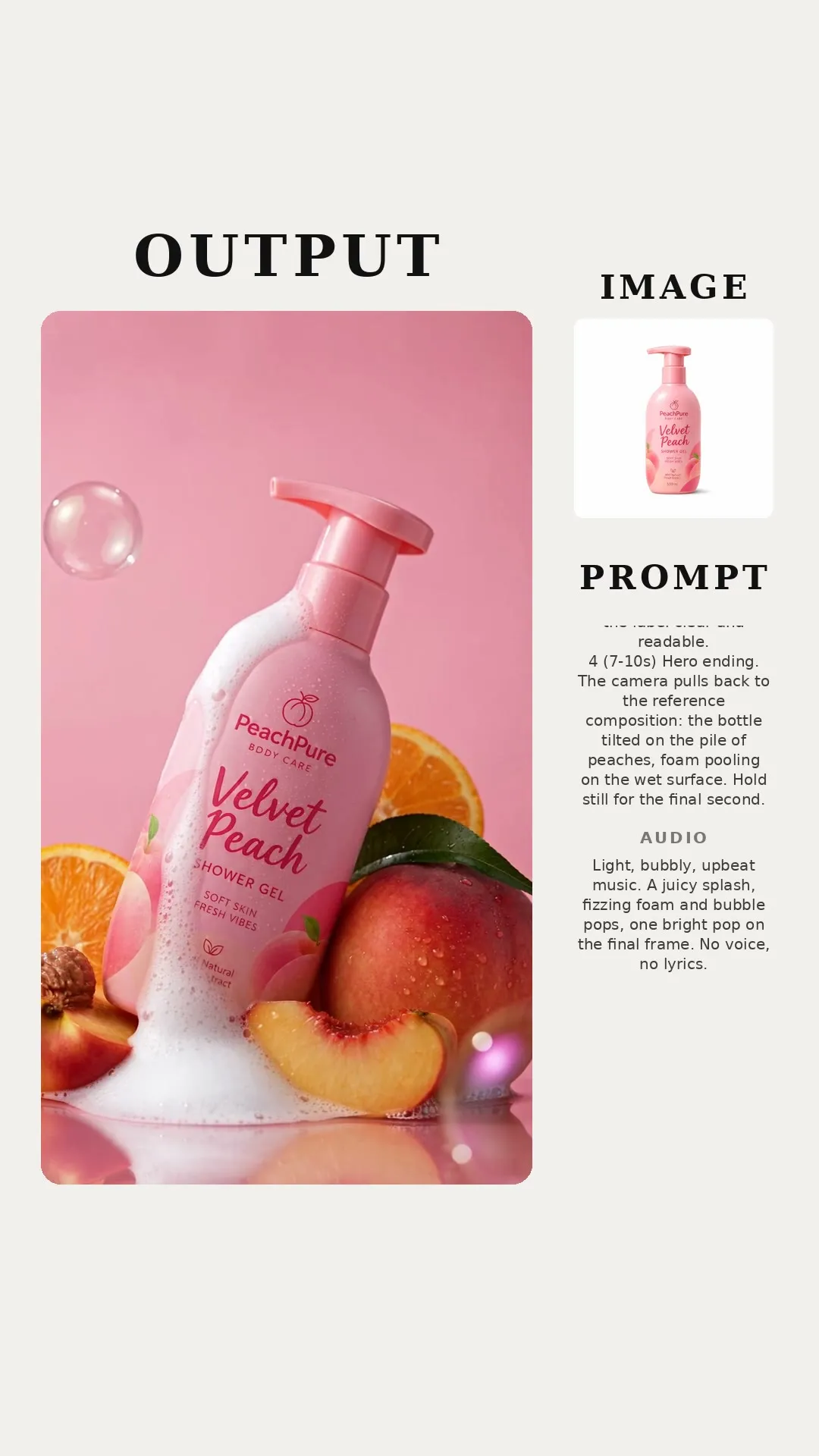
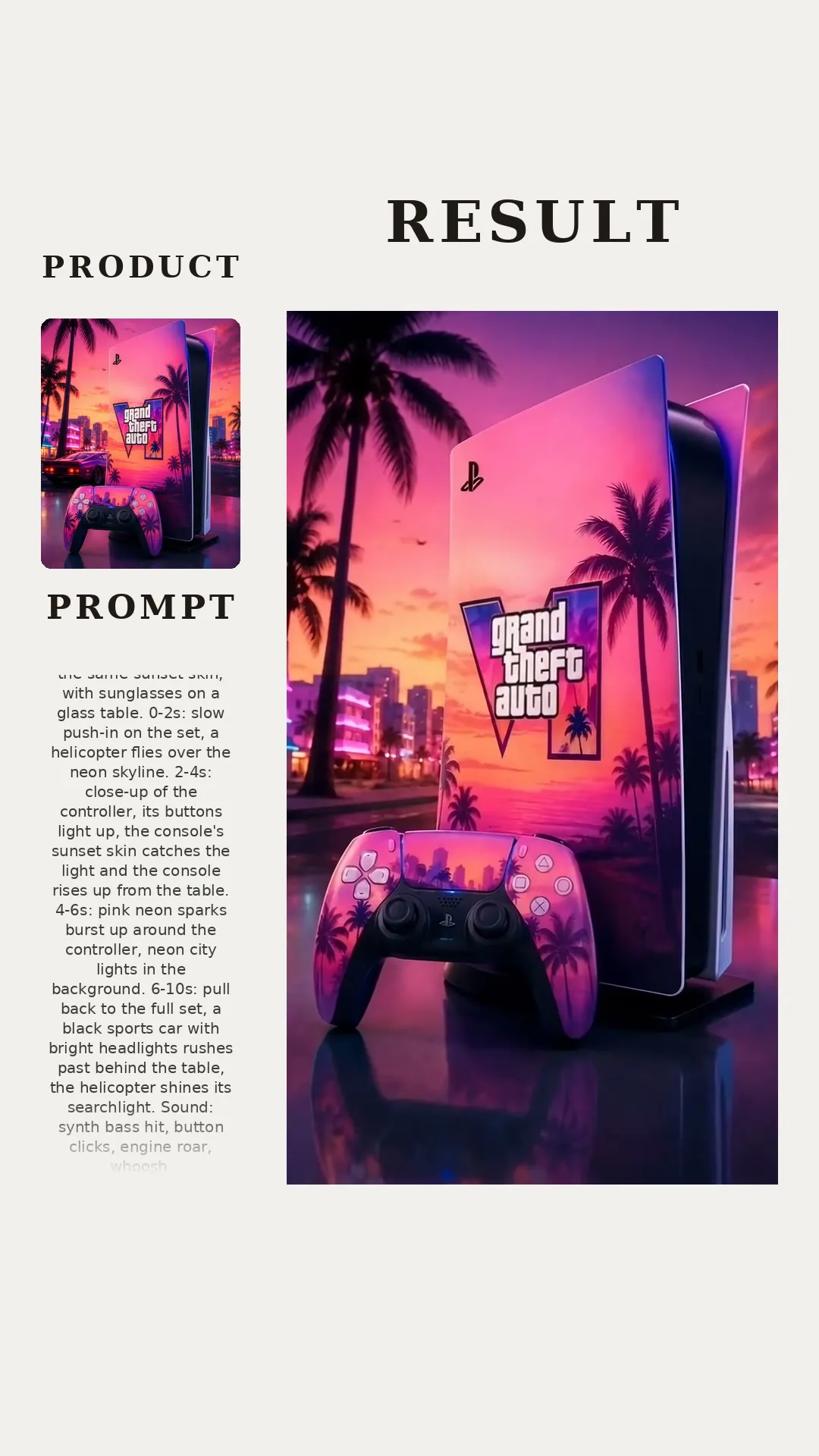
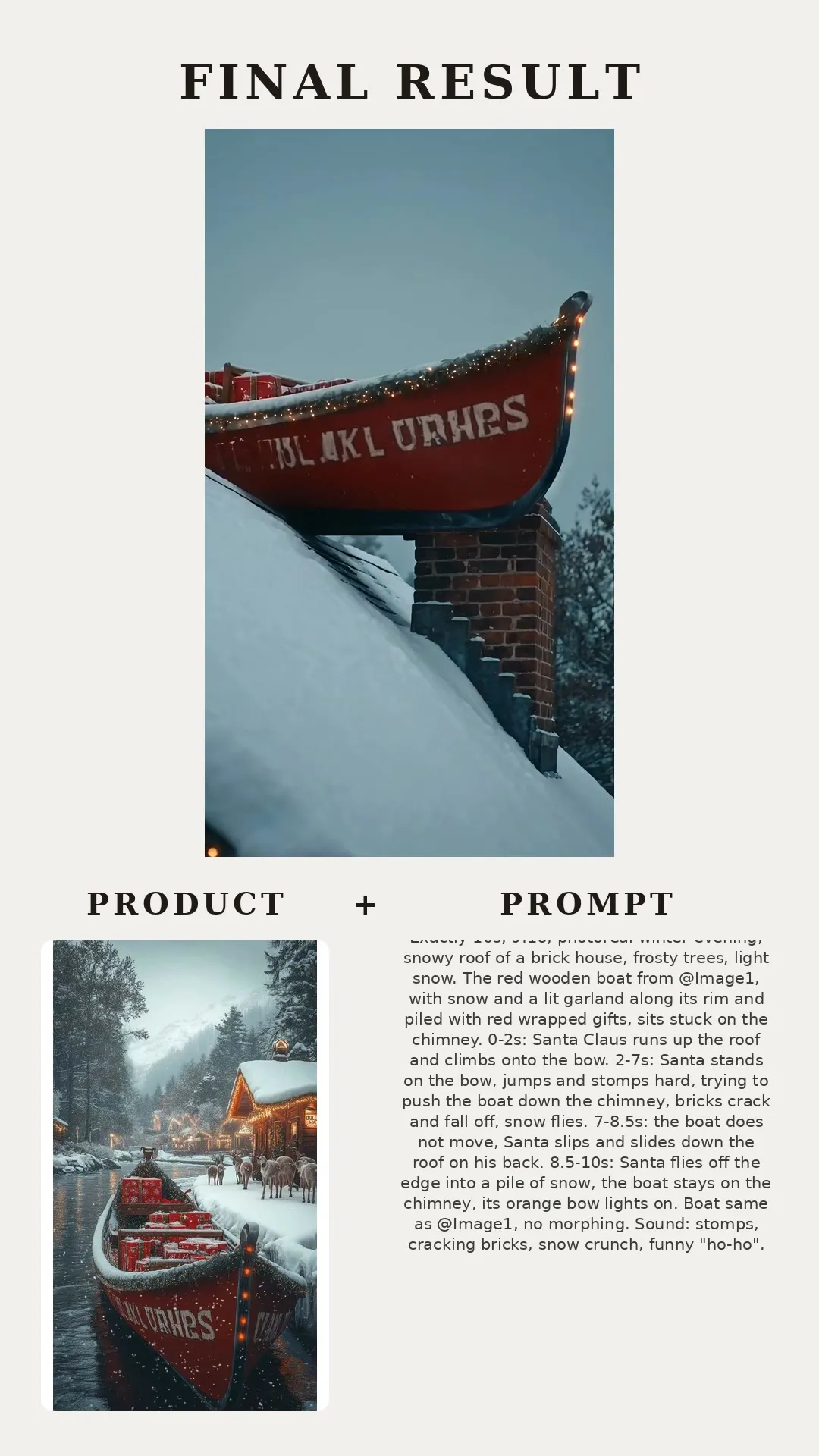
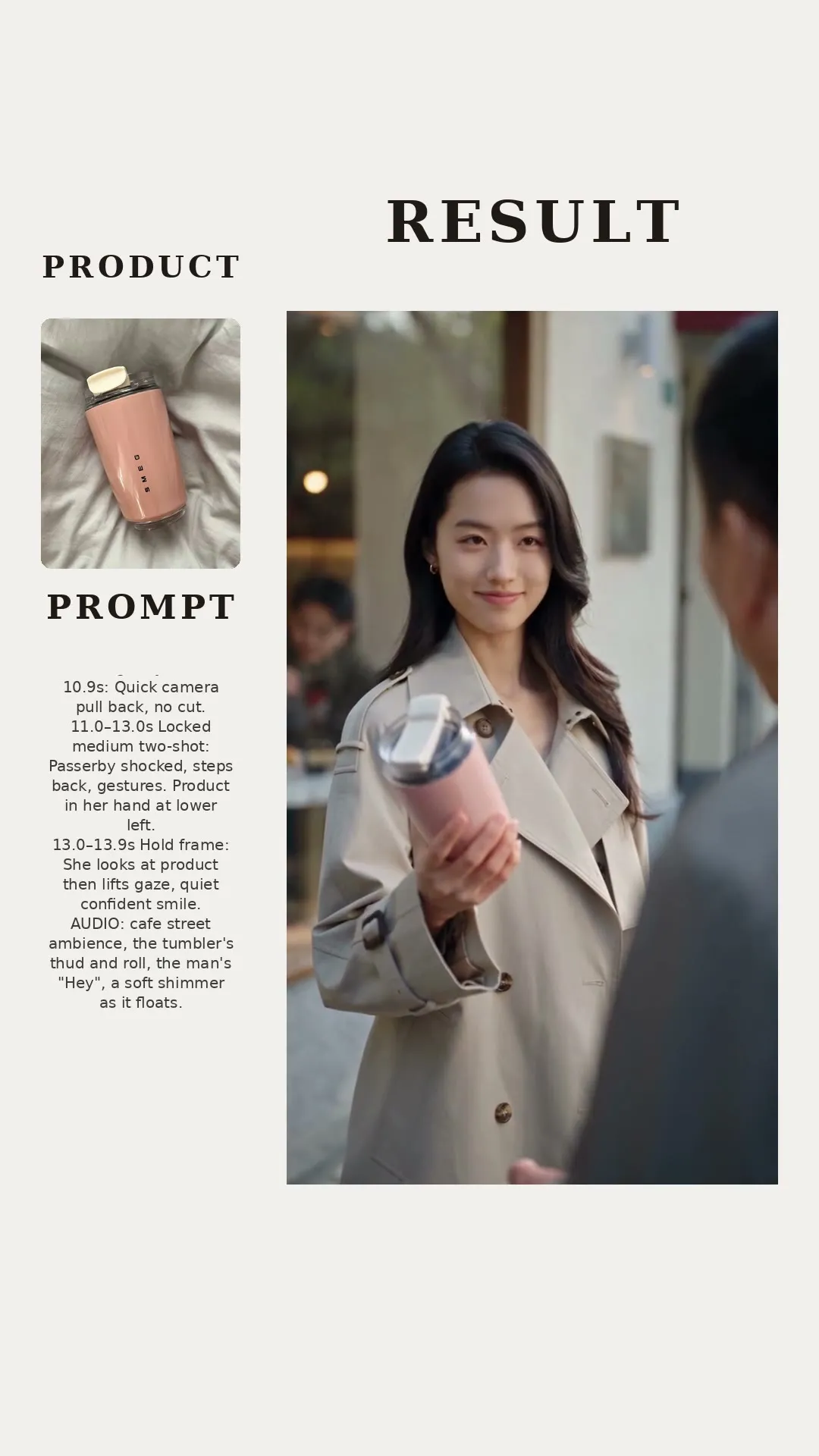
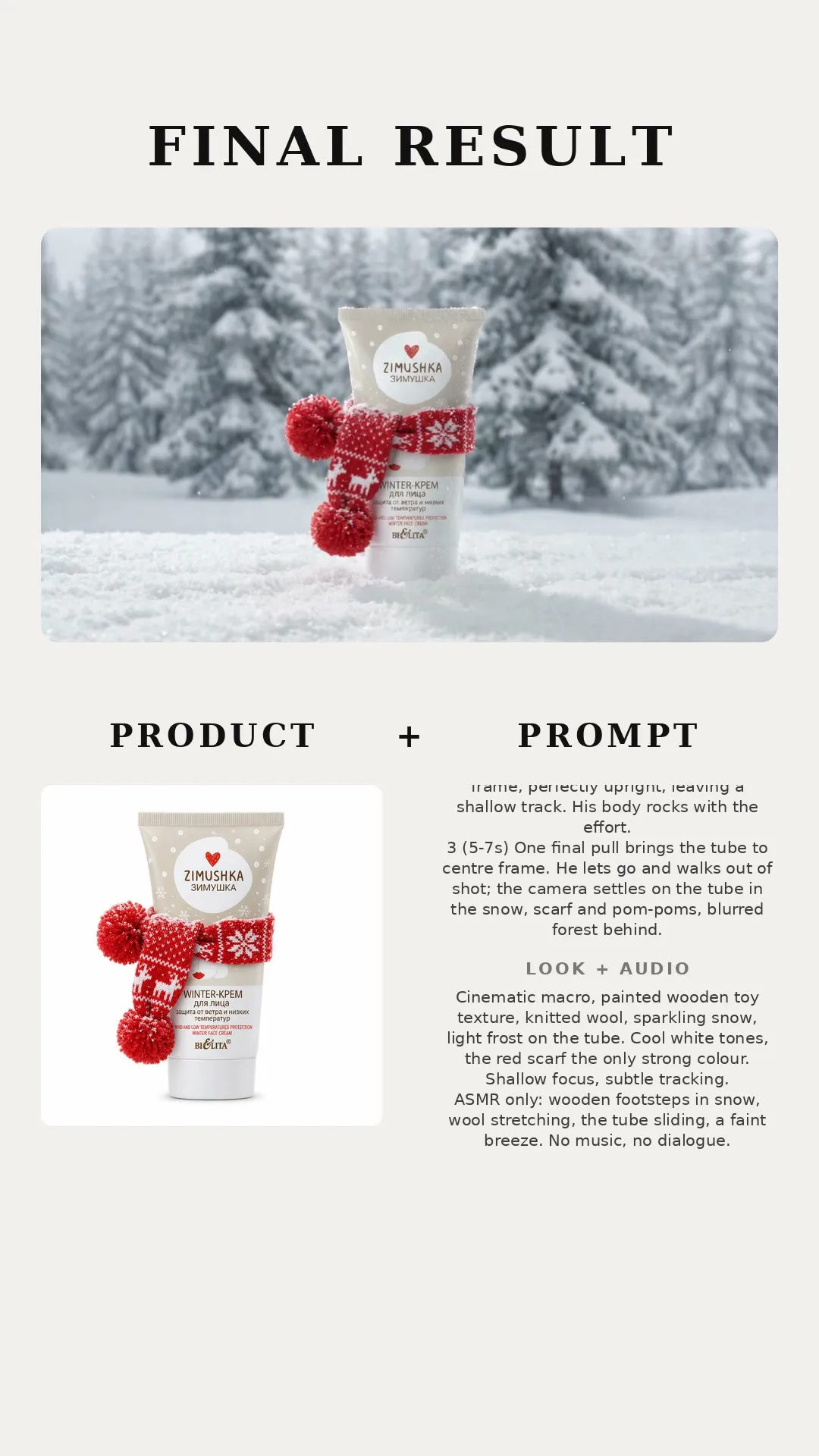
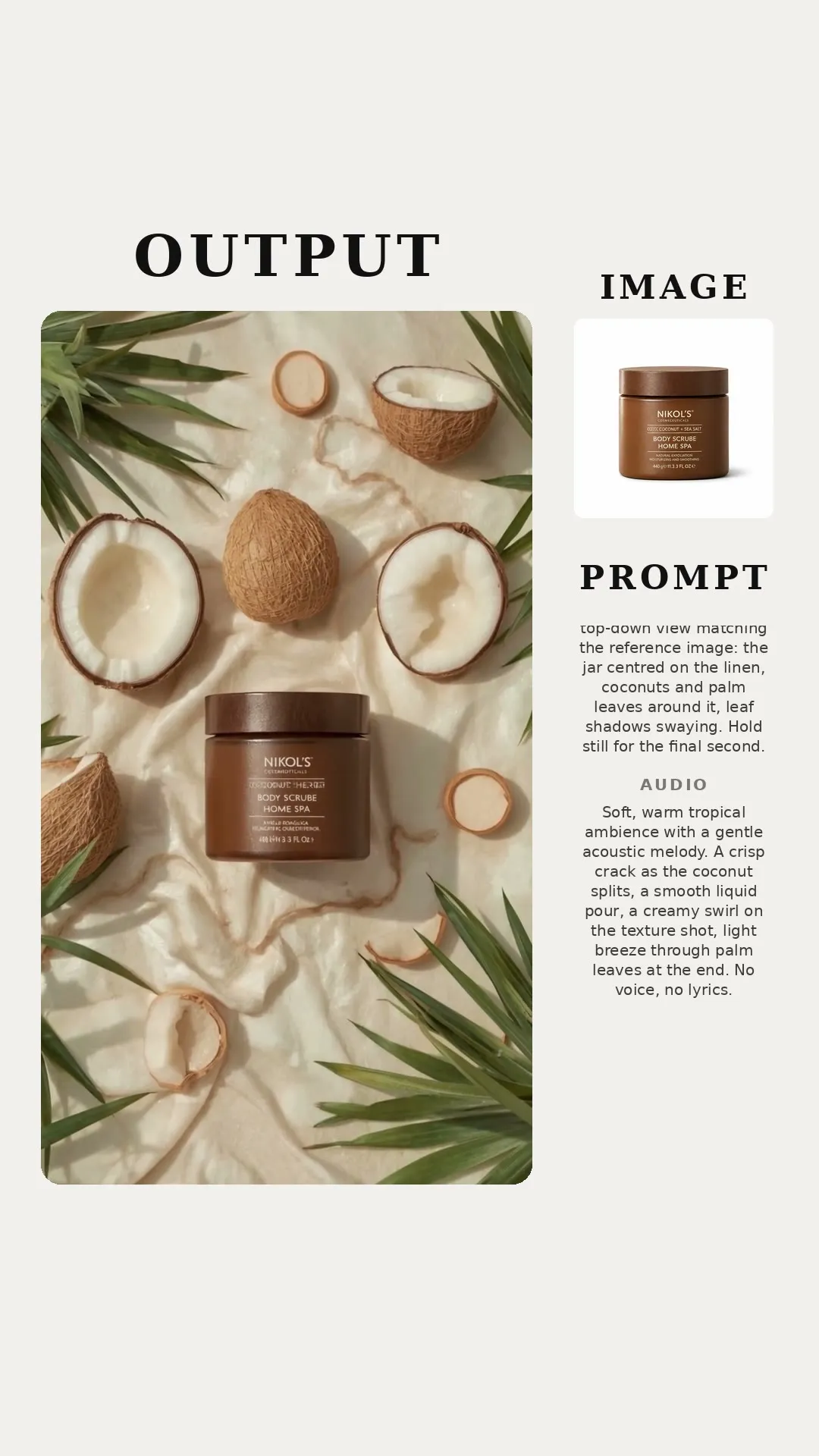
Seedance is ByteDance’s video model, and version 2.5 is one of the best at structured, multi-shot prompts: you can write a film as a list of cuts and it keeps the same character and product across them. Every prompt below comes with the exact output it produced, so you can see what you’ll get before you spend credits.
@image1, @image2 and say they must stay identical in every cut. That's what keeps products and faces consistent.Seedance 2.5
Seedance 2.5
Seedance 2.5
Seedance 2.5
Seedance 2.5
Seedance 2.5
Seedance 2.5
Seedance 2.5
Seedance 2.5
Seedance 2.5
Seedance 2.5
Seedance 2.5
Seedance 2.5
Seedance 2.5
Seedance 2.5
Seedance 2.5
Seedance 2.5
Seedance 2.5
Seedance 2.5
Seedance 2.5
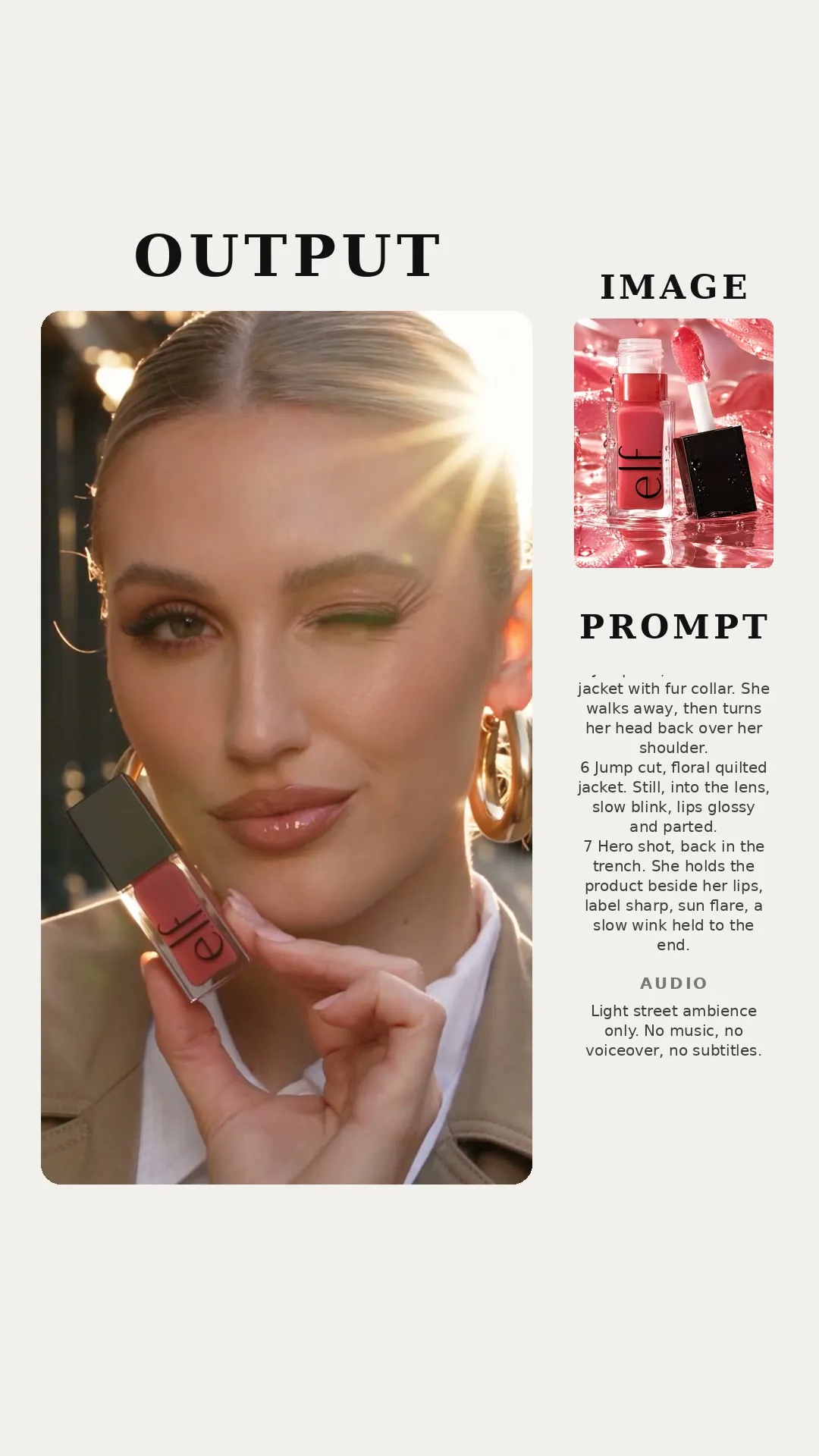
Seedance 2.5
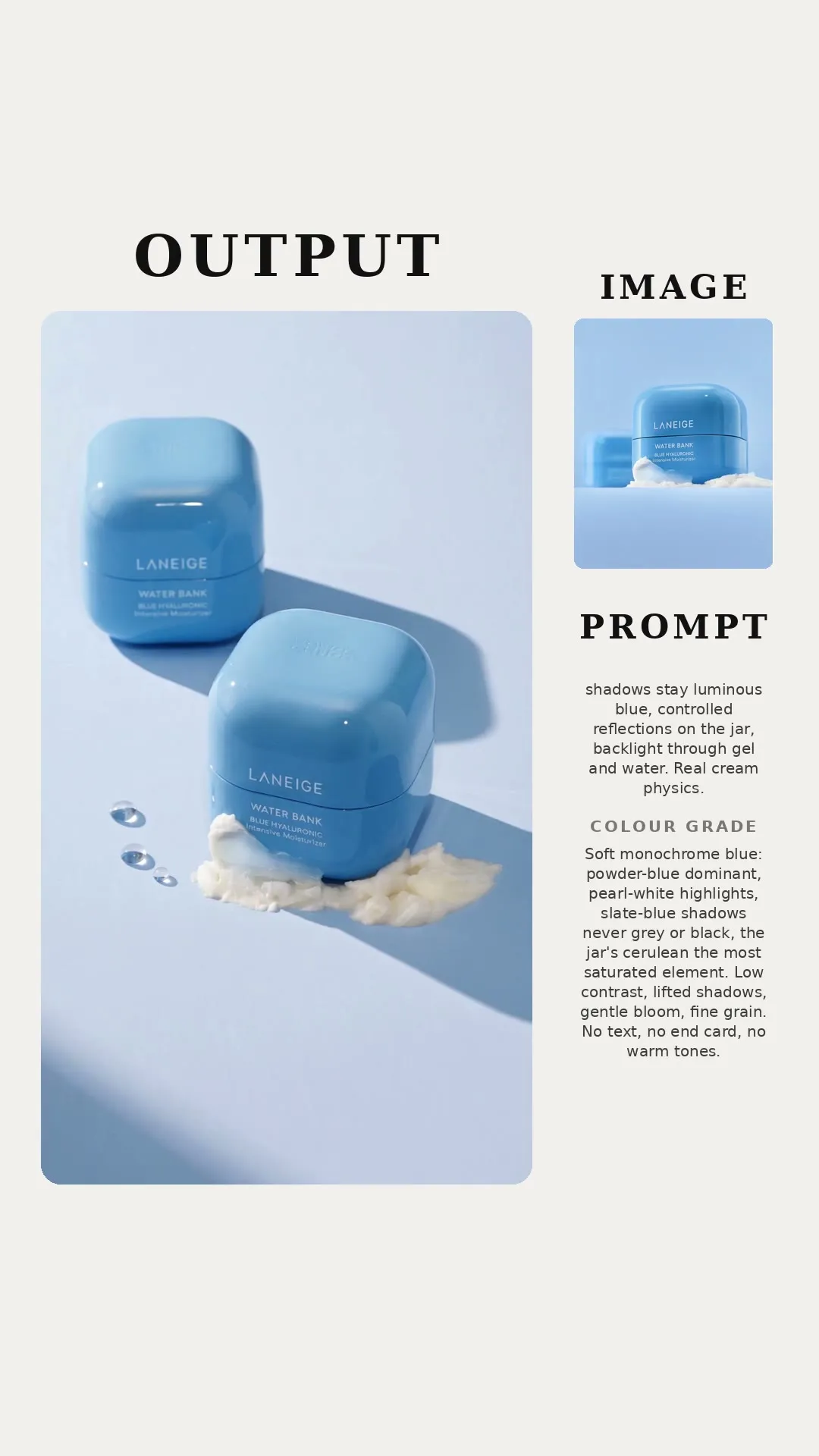
Seedance 2.5
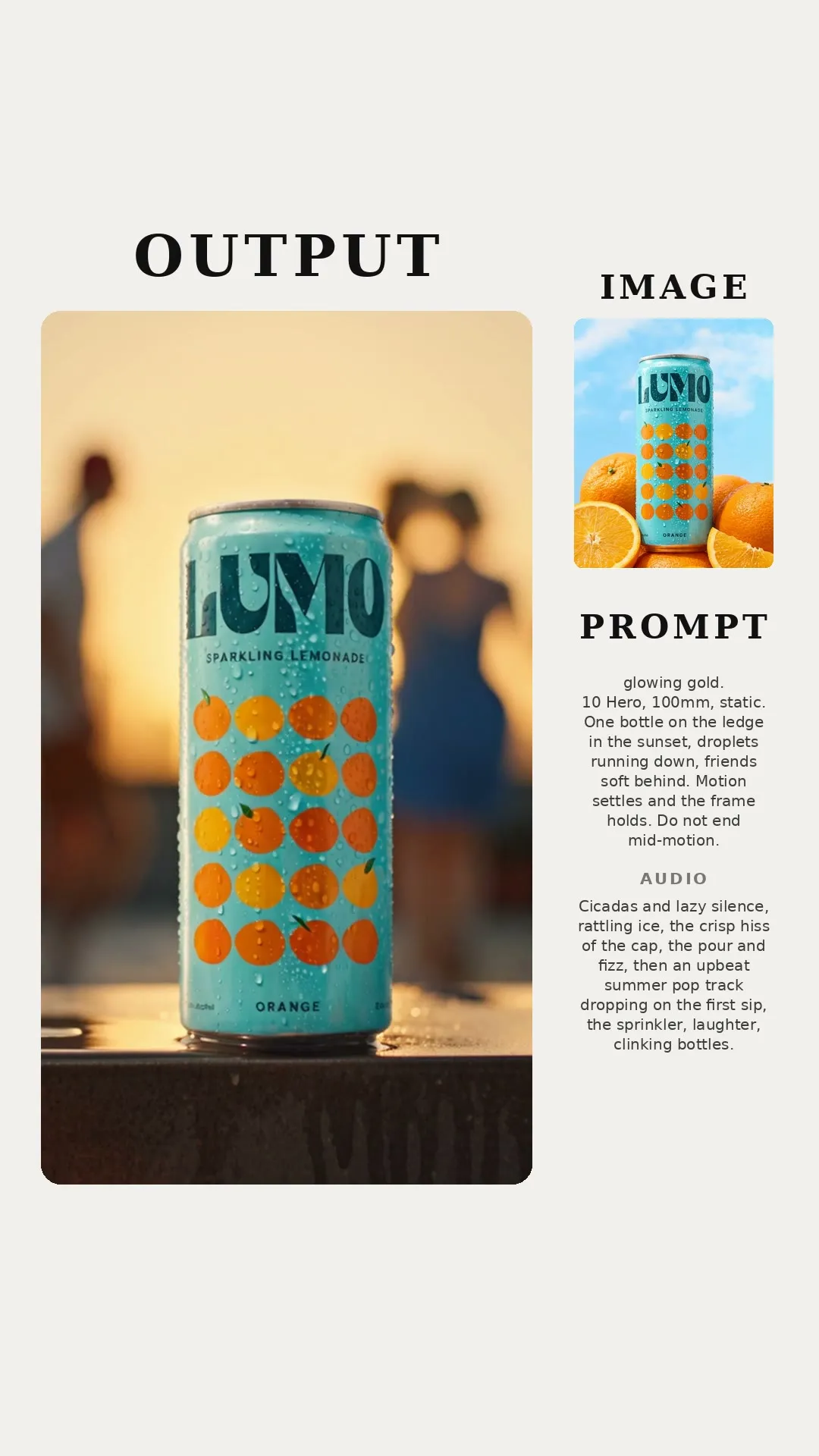
Seedance 2.5
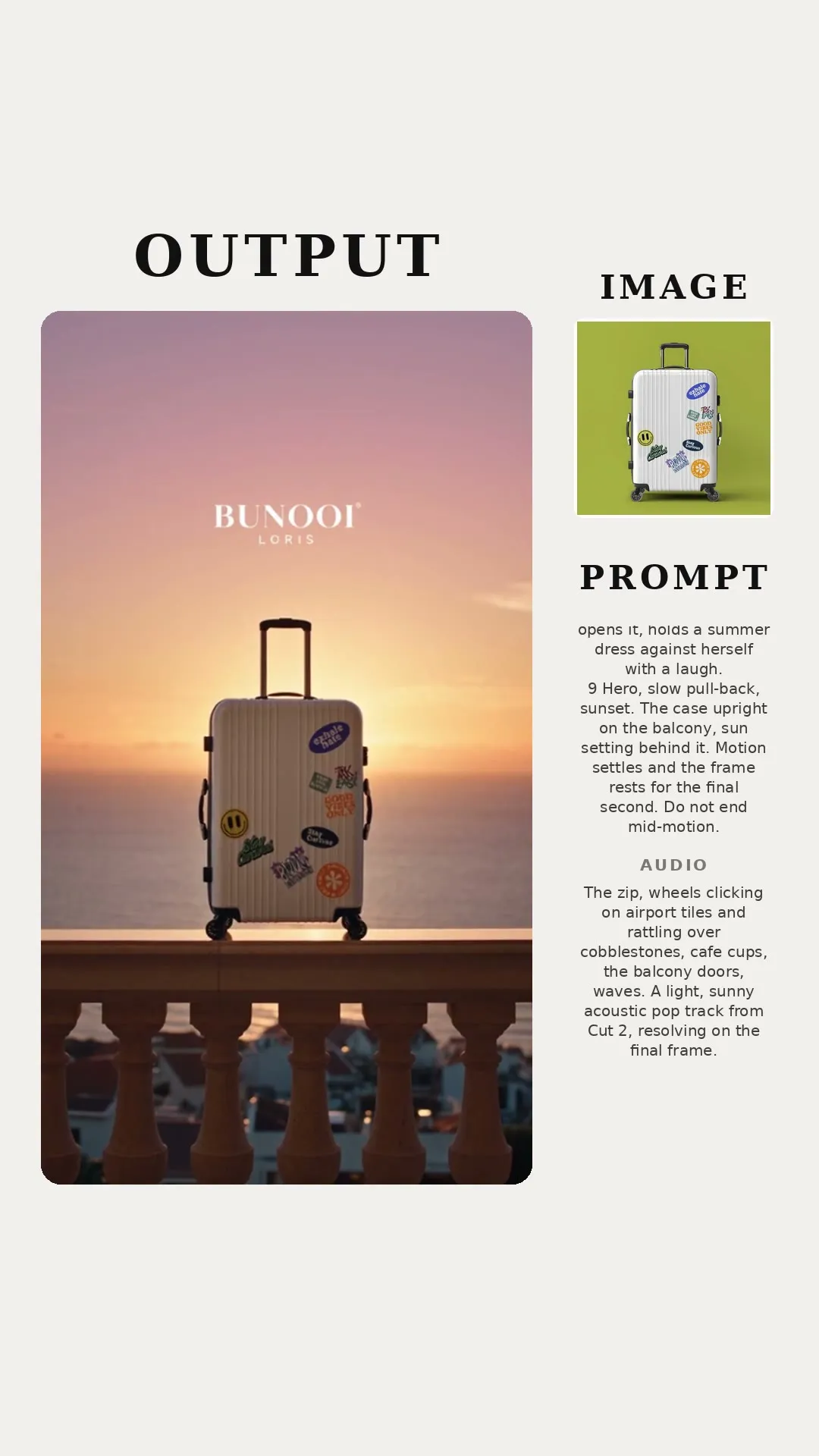
Seedance 2.5
Longer than you'd think. Seedance 2.5 follows detailed, structured prompts — characters, scene, a numbered cut list with framing and seconds, and an audio line — better than one-sentence prompts.
Upload the product as a reference image, refer to it as @image1, describe it once in a CHARACTERS block and say it is reproduced exactly in every cut. Repeat the ban in the negative prompt (redesigned product, changed colour, changed logo).
Seedance is made by ByteDance. Every prompt on this page was generated through HeyOz, which offers Seedance 2.5 alongside other video models.